Start with a photo
Choose a PNG, JPG or WebP image, or drop it into the workspace.
 Back RemoveGet in touch ↗
Turn product photos, portraits and illustrations into transparent PNG cutouts with Back Remove for Chrome.
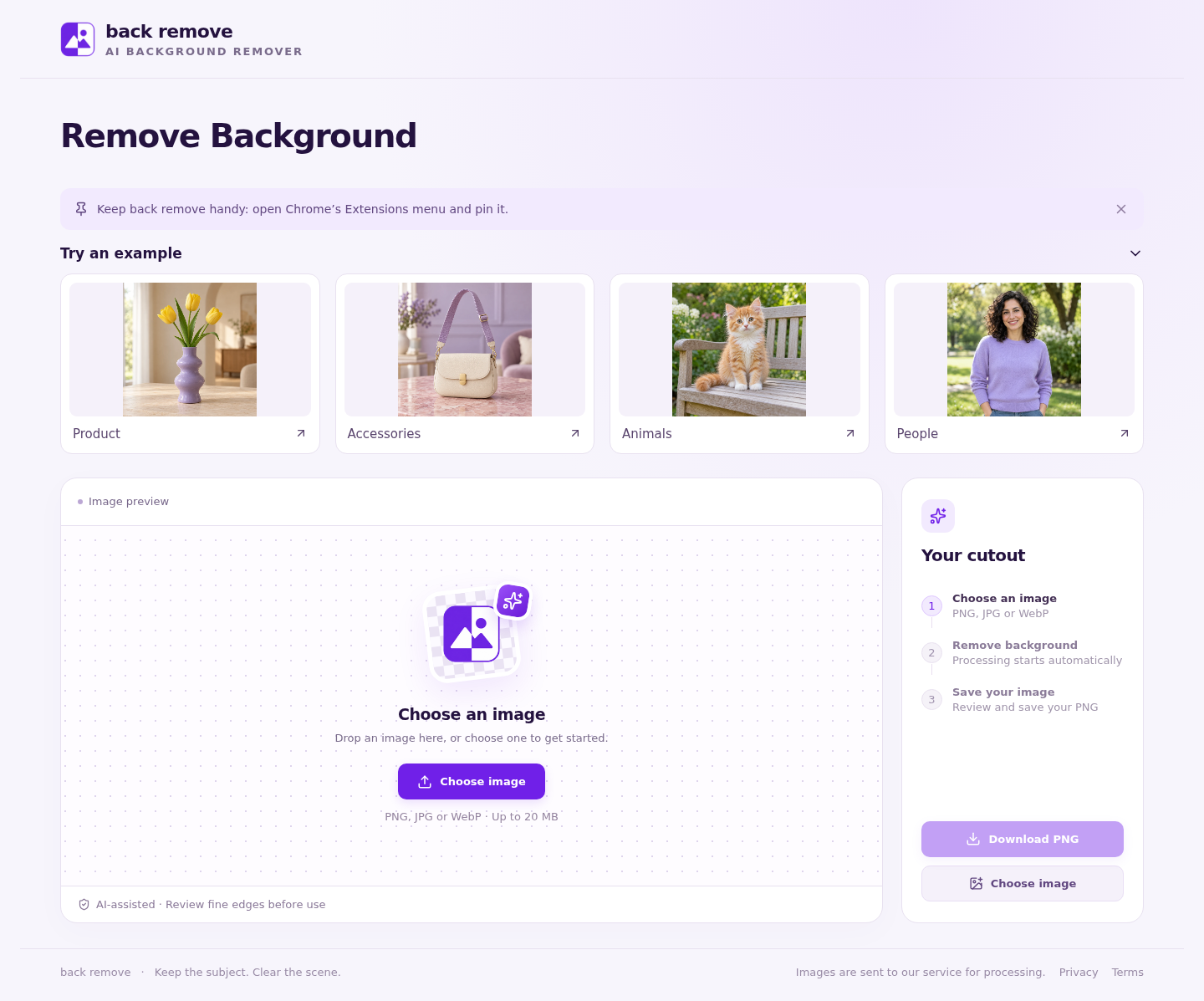
Choose a PNG, JPG or WebP image, or drop it into the workspace.
Review the original and the cutout in one workspace.
Take your cutout into a slide, a product card or your next design.
Your image is sent to our backend and its configured AI provider for background removal. Results are temporarily cached by the service. See our privacy policy for details.
PNG, JPG and WebP images up to 20 MB and 50 megapixels. The result downloads as a transparent PNG.
Inspect hair, fine details and areas that blend into the background before using your result.